

Real-time cobrowsing for customer support
See and control your customer's screen in real time and resolve issues 2x faster. No downloads, no meeting links, no friction. Agents click one button and they're in, guiding users through complex workflows, filling out forms, and fixing issues on the spot.
- See & control any browser session in real time
- One-click start from Zendesk, Intercom & more
- No downloads, links, or codes for your customers
Book your demo


Eliminate guesswork
from customer support
With Fullview Cobrowsing, agents can see issues first-hand inside your website or web app and guide customers to a solution without relying on screenshots or back-and-forth explanations.
Zero-download screen sharing
Start cobrowsing instantly without asking customers to install extensions, download software, switch tools, or join a separate meeting. Fullview lets agents see the customer's screen in real time, making support faster, smoother, and easier for everyone.
One-click session initiation
Unlike traditional tools that rely on meeting codes or links, Fullview allows support agents to initiate cobrowsing sessions with just one click — directly from the helpdesk software you already use for support. That means less confusion for customers and fewer delays before agents can start helping.
Inbound cobrowsing requests
With inbound cobrowsing, customers can send session requests directly to your dashboard queue. Agents can quickly pick up requests and begin a guided support session when the customer needs help most.
Click and highlight on their screen
Guide customers visually by clicking, pointing, and highlighting exactly where they need to go. Instead of explaining every step over chat or voice, agents can show users what to do directly inside their screen.
Seamless real-time collaboration
Fullview Cobrowsing supports all major browsers, making real-time collaboration seamless across the customer journey. Agents and customers can work together inside your digital property to reach a resolution faster.
See console logs for troubleshooting
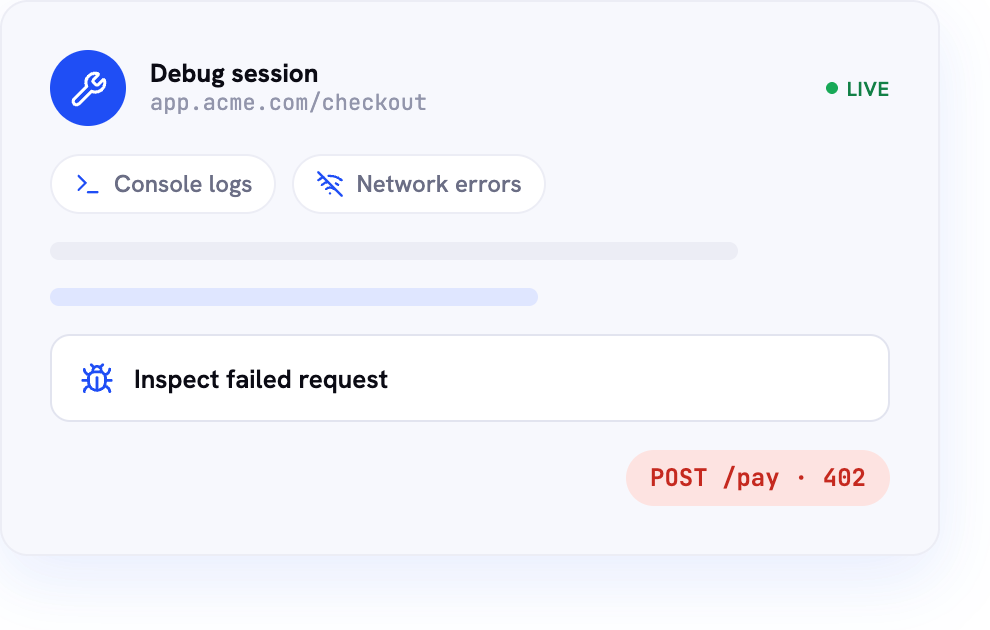
Diagnose technical issues faster with access to browser console logs and network data during cobrowsing sessions. Support and engineering teams can spot errors, understand what went wrong, and resolve bugs without endless back-and-forth or screenshots.
Record cobrowse sessions
Fullview automatically records cobrowsing sessions so teams can review past interactions for added context, issue reproduction, staff training, or developer handoff. This makes it easier to understand what happened during a session, even after it ends.
AI-powered audio transcripts and sentiment analysis
Turn support calls into searchable, AI-generated transcripts with sentiment insights. Fullview helps teams understand what customers said, how they felt, and where conversations need attention, helping them improve support and their knowledge base.
What is cobrowsing?
Cobrowsing (also known as co-browsing or collaborative browsing) allows two or more people to view and interact with the same website or web app in real time. Instead of asking customers to describe what they see, support agents, sales teams, and success managers can guide them directly through a shared online experience.
Better customer experiences
Cobrowse technology helps businesses provide faster support, reduce friction during onboarding, and assist customers at critical moments in their journey. Agents can highlight content, guide navigation, and help users complete forms while maintaining control over permissions and privacy.

Cobrowsing that fits into your support stack
Fullview works with major helpdesk software, so agents can start cobrowsing without leaving the tools they already use — directly from a support ticket.




Start sessions from your helpdesk
When a customer needs real-time guidance, agents can launch a Fullview Cobrowsing session from the ticket they are already working on. This keeps the support workflow simple, reduces context switching, and helps agents move from conversation to resolution faster.
Keep support context in one place
Cobrowsing works best when it is connected to the rest of the customer conversation. With Fullview, teams can keep session context tied to the ticket, making it easier to review what happened, follow up with customers, and share relevant details with teammates.
Built for faster ticket resolution
Integrating cobrowsing into your helpdesk helps agents solve issues more efficiently. They can see what the customer sees, guide them through the next step, and troubleshoot problems in real time, all while staying inside their existing support workflow.
What our customers say
.jpeg)


35%
Faster resolution
average ticket time
28%
Increase in CSAT
40%
Faster onboarding
Resolve customer issues faster
Works across desktop browsers so agents and customers navigate the same website or app together in real time, with no setup or downloads. Start sessions directly from Intercom, Zendesk, and more.
Start
Start co-browsing sessions in seconds. Agents can launch a session directly from Intercom, HubSpot, Zendesk, or other helpdesk tools, while customers can request one from a chat or support page. Customers stay in their browser and connect instantly.
Share
Help customers faster with a live, shared view of your website or app. Agents follow every click and scroll in real time, making it easy to identify issues and guide customers to a solution.
Guide
Speed up resolutions when guidance isn't enough. Agents can securely take control to complete tasks on the customer's behalf, while customers stay in the loop and can regain control instantly.
Resolve
Increase task completion rates by guiding customers in real time. With both people on the same page, agents can quickly resolve issues and help customers finish forms, signups, and purchases without delays.
What support teams use cobrowsing for
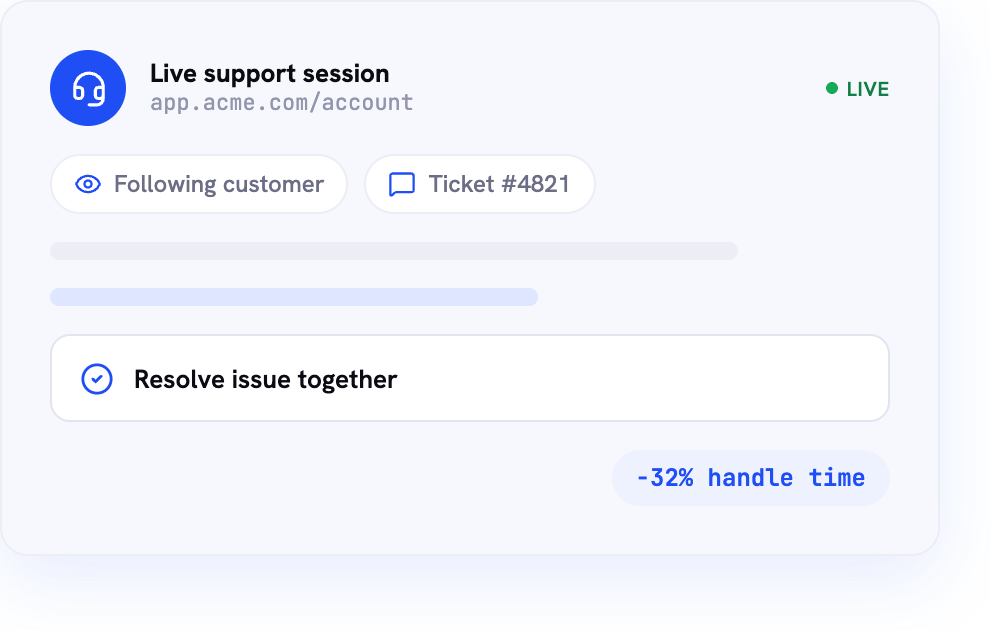
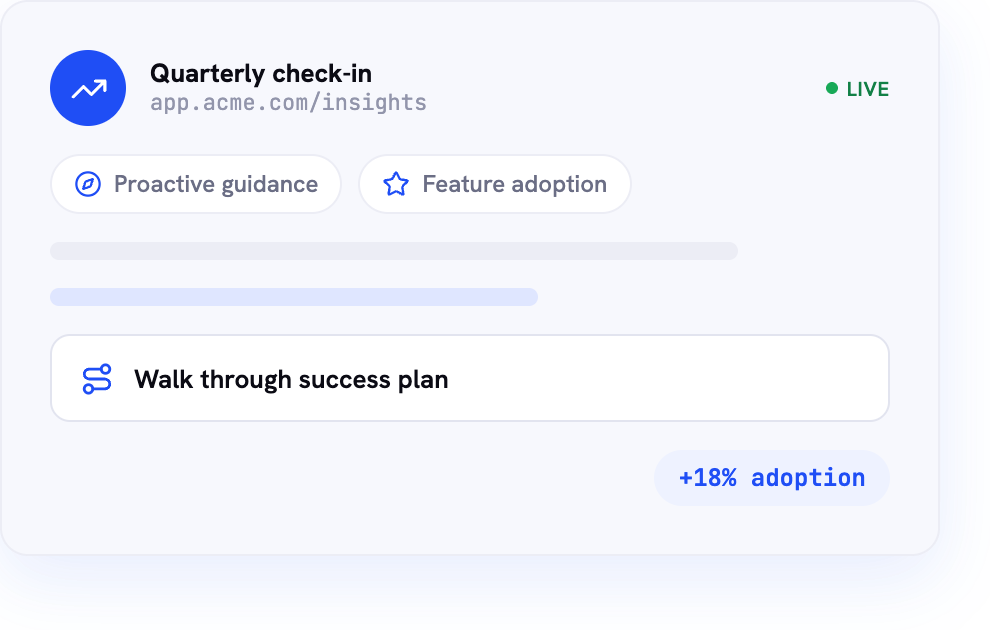
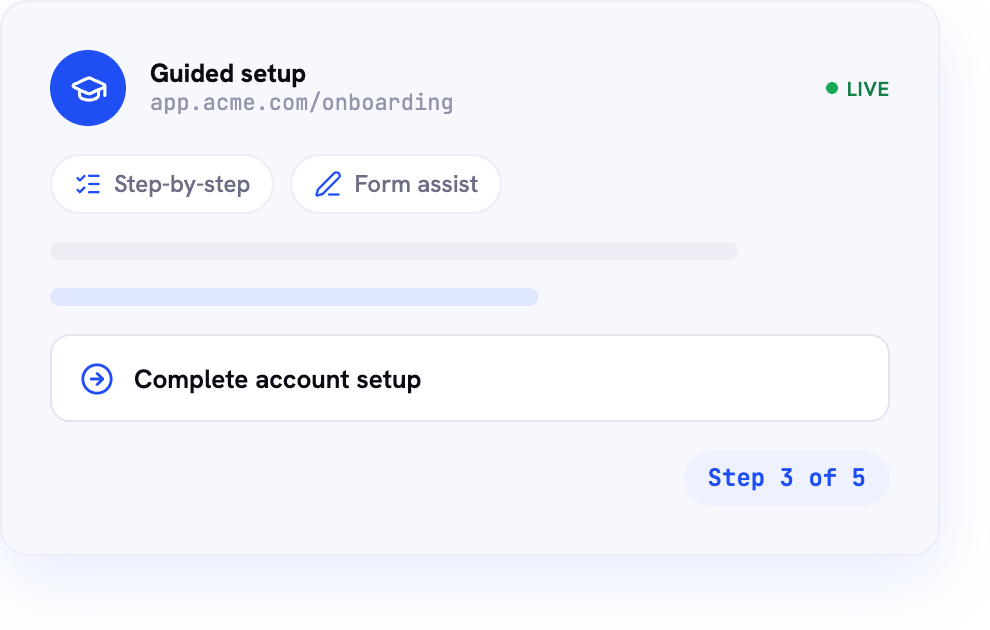
Customers often need more than written instructions or screenshots to make progress. Fullview Cobrowsing helps support, success, and onboarding teams provide hands-on assistance without requiring customers to leave the website or install additional software.
Deliver better customer
support outcomes
Reduce Average Handle Time (AHT)
Improve First Contact Resolution (FCR)
Increase Customer Satisfaction (CSAT)
Improve Product Adoption
Reduce Customer Effort
Increase Digital Completion Rates
Cobrowsing vs screen sharing
Cobrowsing and screen sharing both help support teams see what a customer is experiencing, but they work in very different ways. Traditional screen sharing shows an agent the customer's entire screen, including other tabs, apps, notifications, and potentially sensitive information. Cobrowsing is built specifically for customer support inside your website or app — agents view and guide customers only within the relevant browser session, for faster troubleshooting, more privacy, and a smoother experience.
- No download required
- Works inside your website or app
- Shows the customer’s full desktop
- Helps protect sensitive information
- Lets agents click, point, or highlight
- Gives access to console logs for troubleshooting
- Built for customer support teams
- Requires customer to switch tools
- Initiate straight from support tickets in Intercom, Zendesk etc.
- Sometimes
Cobrowsing for every industry
SaaS
Help users onboard, adopt features, and troubleshoot issues faster with real-time cobrowsing. Fullview gives SaaS support teams the visibility to understand what customers are experiencing, guide them through complex workflows, and capture technical context when something breaks, reducing back-and-forth and improving product adoption.
Financial Services
Support customers through sensitive financial journeys without relying on screenshots or traditional screen sharing. Fullview helps agents guide users inside your digital experience, assist with forms or account actions, and troubleshoot issues while keeping sessions focused and privacy-conscious.
Insurance
Make policy management, claims submissions, and customer onboarding easier to navigate. With Fullview Cobrowsing, agents can visually guide customers through forms, portals, and document steps in real time, helping reduce confusion, incomplete submissions, and support delays.
Banking
Help customers complete digital banking tasks with confidence, from account setup to online banking support. Fullview allows agents to guide users through secure in-app journeys, troubleshoot technical issues, and provide hands-on help without exposing the customer's entire desktop.
Healthcare
Guide patients, members, or providers through digital healthcare experiences with more clarity. Fullview helps teams support appointment booking, portal navigation, onboarding, and troubleshooting while keeping sessions focused inside your website or app to reduce unnecessary exposure of sensitive information.
Ecommerce
Turn support moments into smoother buying experiences. Fullview helps ecommerce teams guide shoppers through checkout, account issues, returns, product questions, and payment errors in real time, reducing cart abandonment and helping customers complete their journey with less frustration.
Telecommunications
Support customers through plan changes, account setup, billing questions, and technical troubleshooting faster. Fullview gives telecom teams a real-time view of the customer journey, making it easier to guide users, identify issues, and resolve problems without long explanations or repeated screenshots.
Cobrowsing Demo
Explore the interactive demo below or book an exploration call with our team.

FAQs
What is the difference between cobrowsing and screen sharing?
Screen sharing shows an agent the customer’s entire desktop, including unrelated tabs, apps, and notifications. Cobrowsing is more focused. It lets agents view and guide customers inside your website or app, making it better suited for support, troubleshooting, onboarding, and privacy-conscious customer assistance.
Can cobrowsing mask sensitive customer information?
Yes. Cobrowsing can be configured to mask sensitive customer information, helping protect data such as passwords, payment details, personal information, or other private fields. This allows agents to guide customers through important workflows while reducing unnecessary exposure during live support sessions.
Can customers control what agents can see?
Yes. Cobrowsing is designed to keep the customer in control. Sessions are limited to the approved digital experience, rather than the customer’s full device. Customers can choose when to start a session, and agents only see what is available within the cobrowsing environment.
Does cobrowsing work on mobile browsers?
Yes. Fullview supports cobrowsing across major browsers, helping teams guide customers whether they are using desktop or mobile browser experiences. This makes it easier to support users across devices without relying on downloads, meeting links, or separate screen-sharing tools.
Can cobrowsing sessions be recorded?
Yes. Fullview can automatically record cobrowsing sessions, giving teams a reliable way to review past interactions. Recordings can be used for quality assurance, staff training, issue reproduction, customer context, or developer handoff when a technical problem needs further investigation.
How quickly can Fullview be implemented?
Fullview is designed for fast setup. Teams can enable cobrowsing within their digital property with just a few lines of code. Once implemented, support agents can initiate sessions quickly, often directly from their existing workflow, without asking customers to install anything.
Does Fullview integrate with Zendesk?
Yes. Fullview integrates with Zendesk, allowing support teams to initiate cobrowsing sessions directly from a Zendesk ticket. This helps agents stay inside their existing helpdesk workflow, reduce context switching, and move from customer conversation to live guided support more efficiently.
Does Fullview integrate with Salesforce?
Yes. Fullview integrates with Salesforce, helping teams connect cobrowsing to their existing customer support and CRM workflows. Agents can access real-time support tools alongside customer context, making it easier to guide users, troubleshoot issues, and keep support interactions connected to customer records.
Is cobrowsing suitable for financial services?
Yes. Cobrowsing is well suited to financial services because it helps agents guide customers through sensitive digital journeys without exposing their full desktop. Teams can support onboarding, account navigation, forms, and troubleshooting while using privacy-conscious controls such as focused viewing and sensitive-data masking.
Can cobrowsing improve customer onboarding?
Yes. Cobrowsing can make onboarding faster and clearer by letting agents guide users through setup, configuration, forms, and key product workflows in real time. Instead of sending long instructions or waiting for screenshots, teams can show customers what to do directly inside the product.
Why choose cobrowsing instead of screen sharing?
Cobrowsing is purpose-built for customer support. Unlike screen sharing, it does not require full desktop visibility, downloads, meeting links, or tool switching. Agents can guide users inside your website or app, troubleshoot with better context, and deliver faster support while helping protect customer privacy.