Cobrowsing & Session Replay solutions
See what your customers see.
Resolve issues faster.







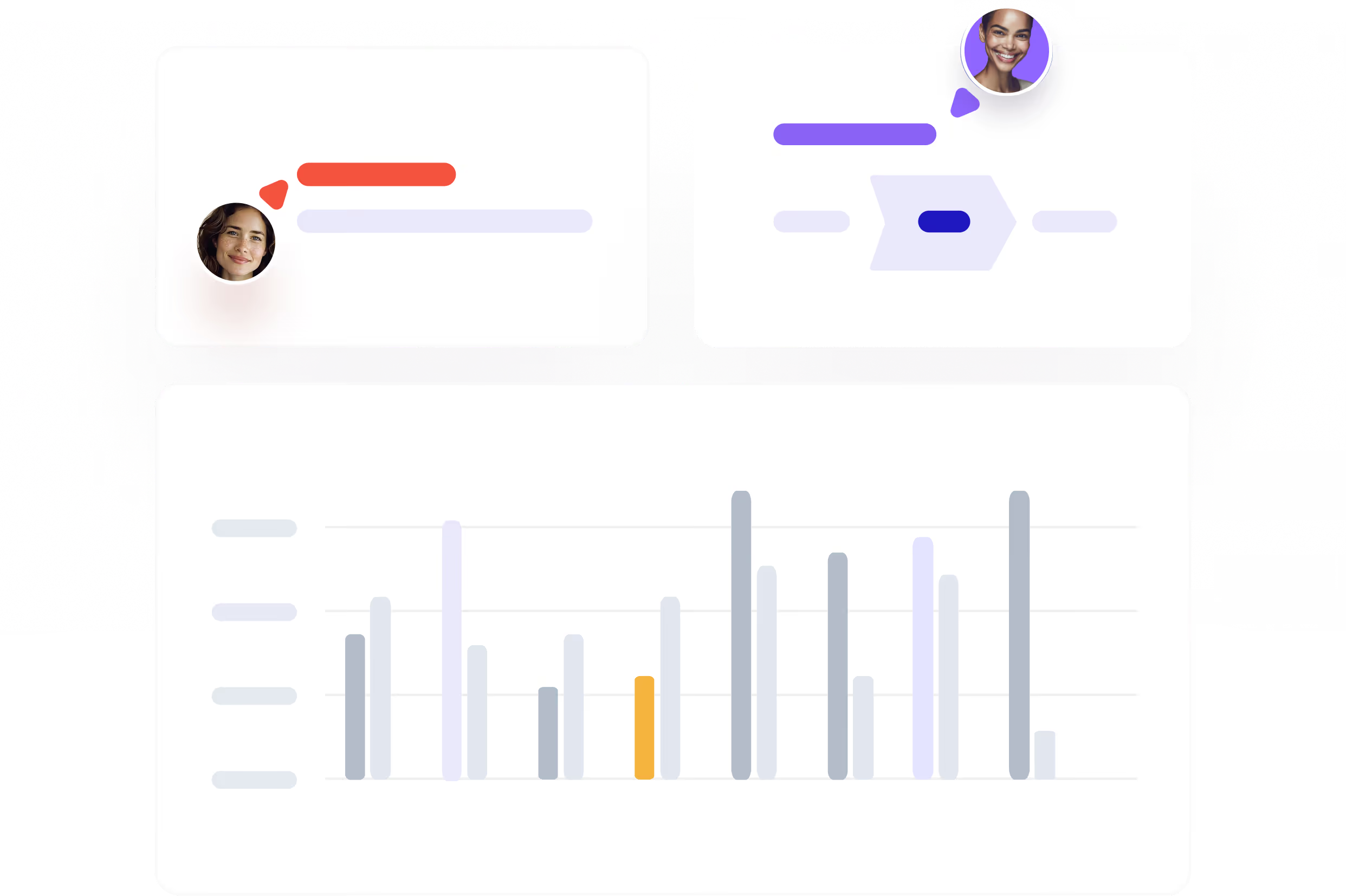
Join your customer's screen in one click
Start a cobrowsing session directly from your helpdesk ticket. See exactly what the customer sees, scroll through their app together, and take control when needed. No downloads, no meeting links, no codes. The customer doesn't have to do anything.

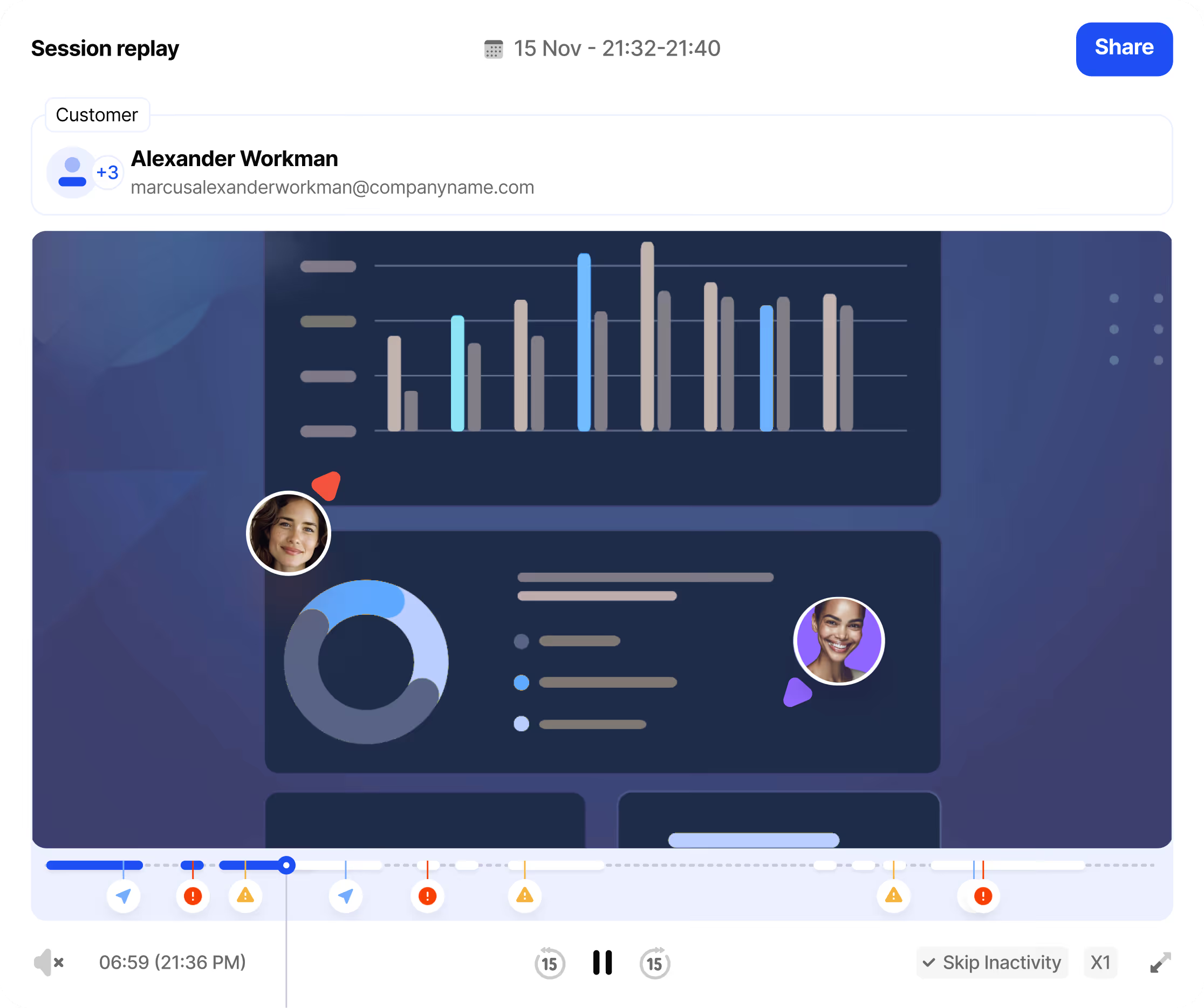
Know what happened before the ticket
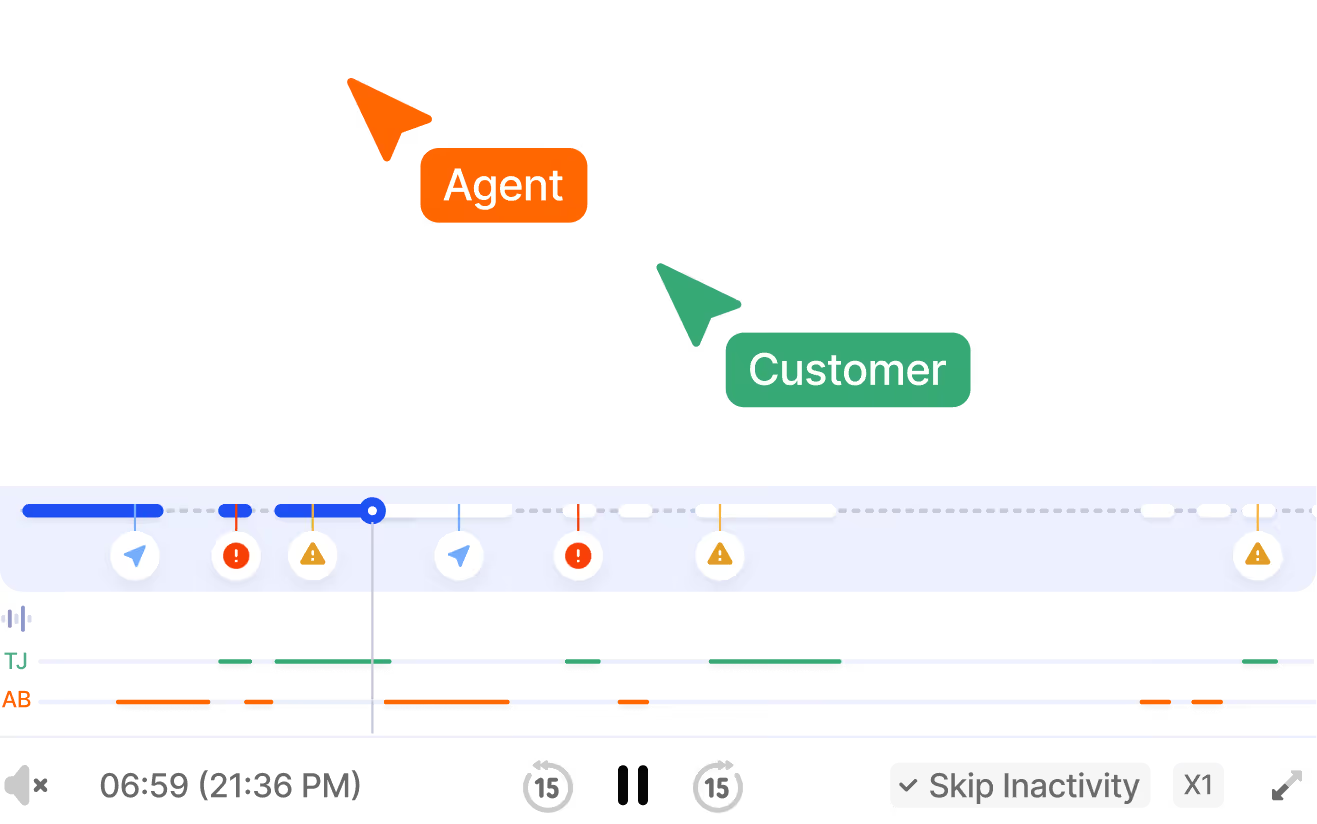
Every user session is recorded automatically. When a ticket comes in, agents can watch back exactly what the customer did, see where they got stuck, and spot errors in the console log. Feed the same data to your existing AI agents with Fullview MCP.

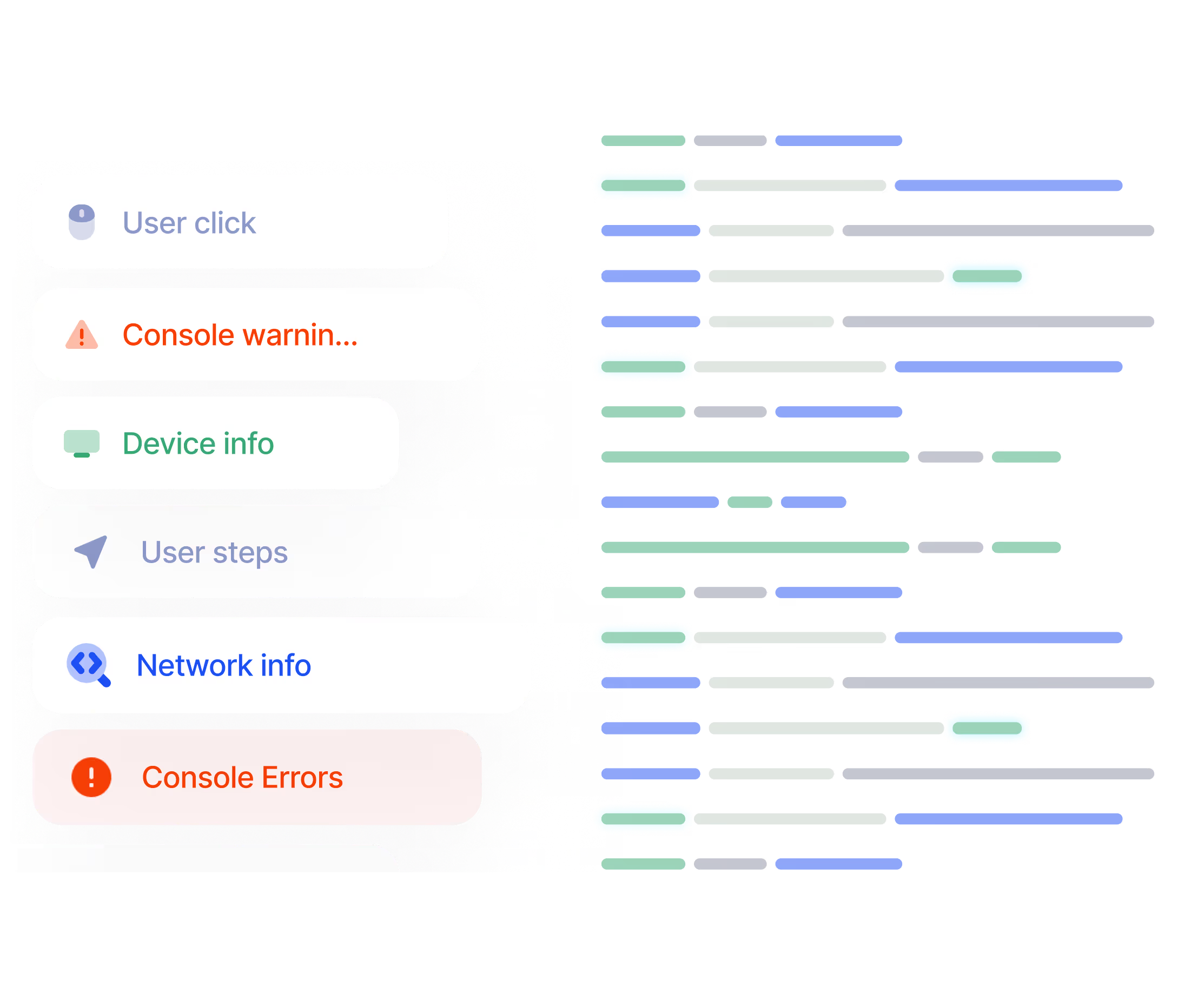
Debug without asking for reproduction steps
Real-time console logs are accessible during both cobrowsing sessions and session replay reviews. Network errors, JavaScript exceptions, and failed API calls surface alongside the visual context so agents and engineers can pinpoint technical issues immediately.

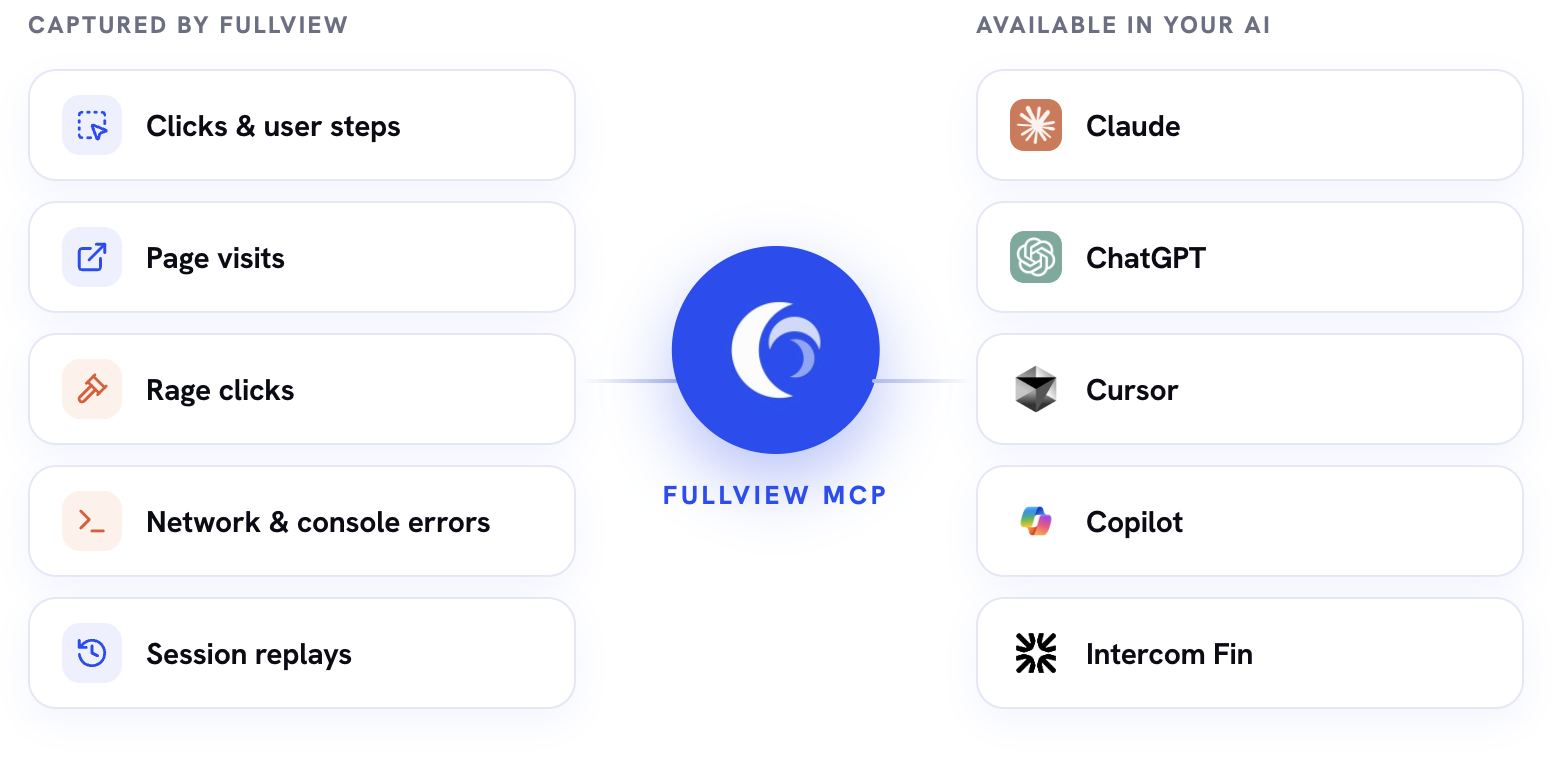
Give your AI agents the full user context
Fullview MCP hands every click, page visit, rage click and console error to the AI agents you already use. They troubleshoot with the same context your support team has, instead of asking the customer what happened.

Works inside your existing helpdesk
Cobrowse and watch replays without leaving your helpdesk. Fullview integrates directly with Zendesk, Intercom, Salesforce, and HubSpot. Agents start sessions from the ticket sidebar. Session replays are linked automatically to the right customer and conversation.

Join your customer's screen in one click
industry leaders like
Know what happened before the ticket
industry leaders like
Debug without asking for reproduction steps
industry leaders like
Give your AI agents the full user context
Works inside your existing helpdesk
industry leaders like
Cobrowsing and session replays in one platform
One-click from your helpdesk
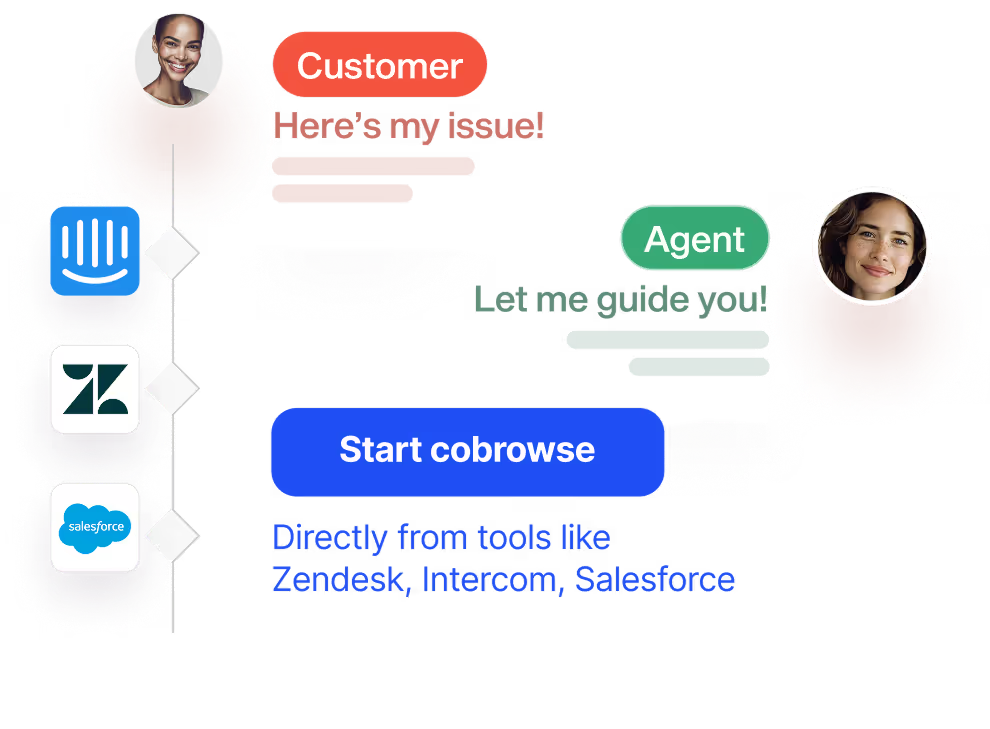
Agents click one button inside their Zendesk, Intercom, Salesforce, or HubSpot ticket and they're on the customer's screen. No scheduling, no links, no downloads for the customer. AI summarizes all sessions for faster escalations.
Every session recorded & summarized automatically
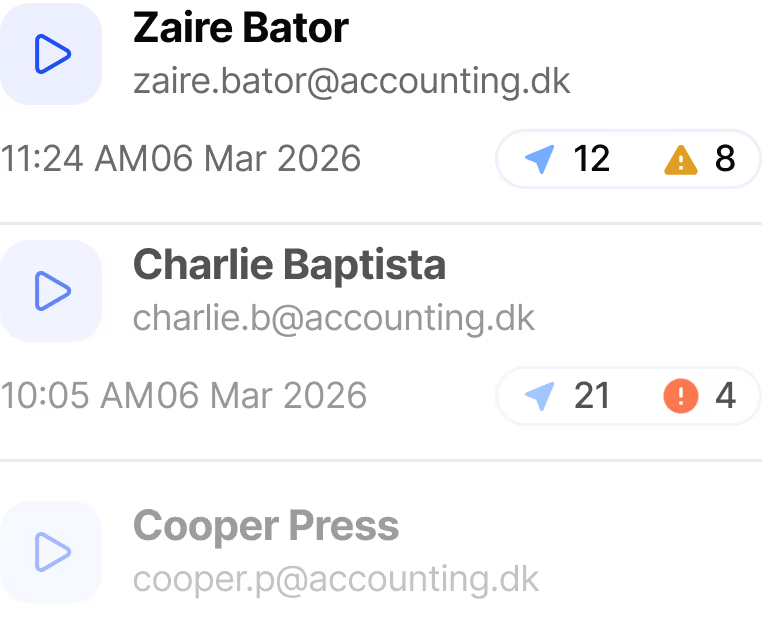
Fullview captures user sessions in the background. When a ticket arrives, the relevant session is already waiting and summarized by AI. Agents get full context right away.
Console logs in every session
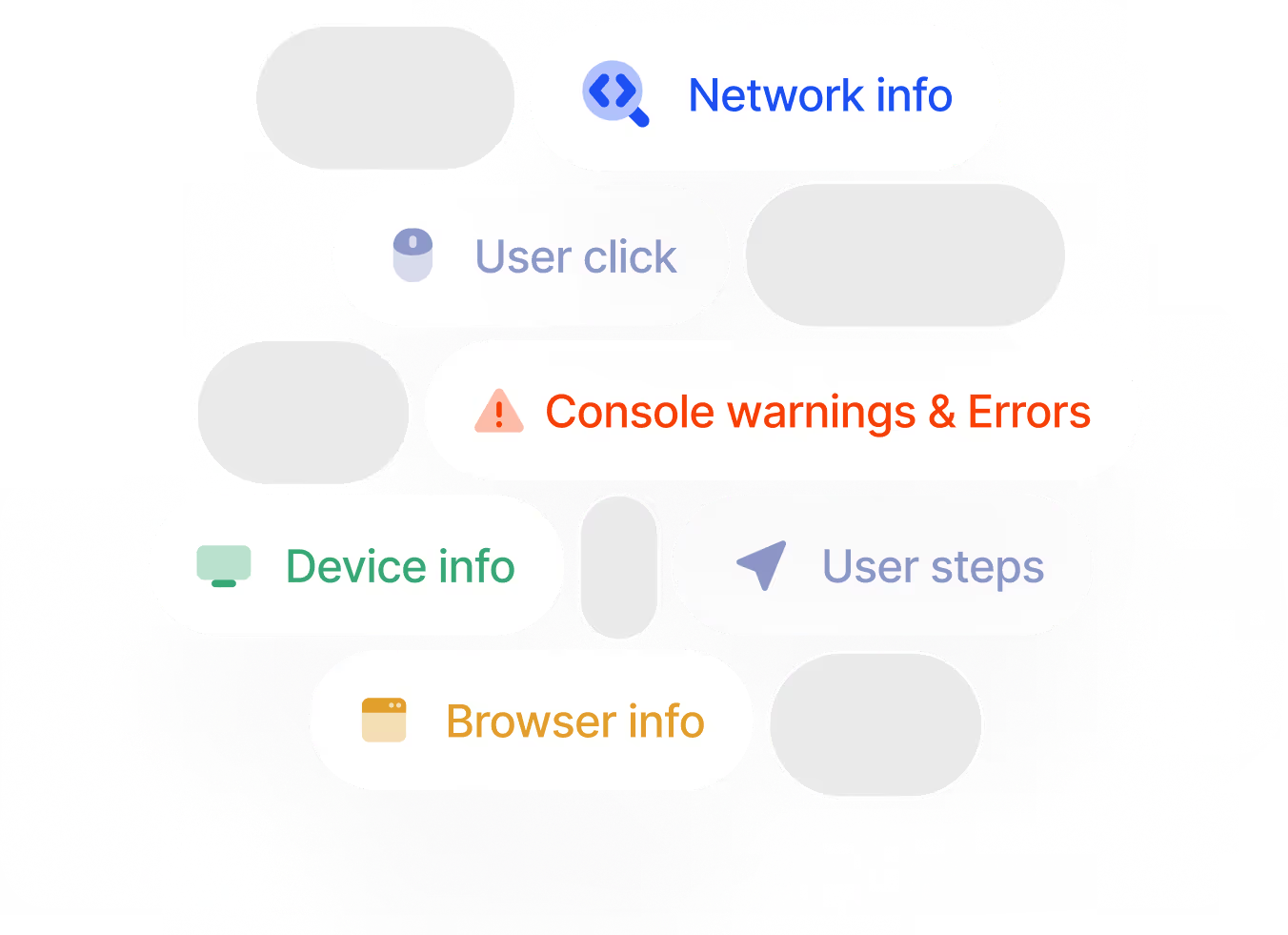
Network requests, JavaScript errors, and failed API calls are captured alongside every cobrowsing session and replay. Support and engineering teams can debug without switching tools.
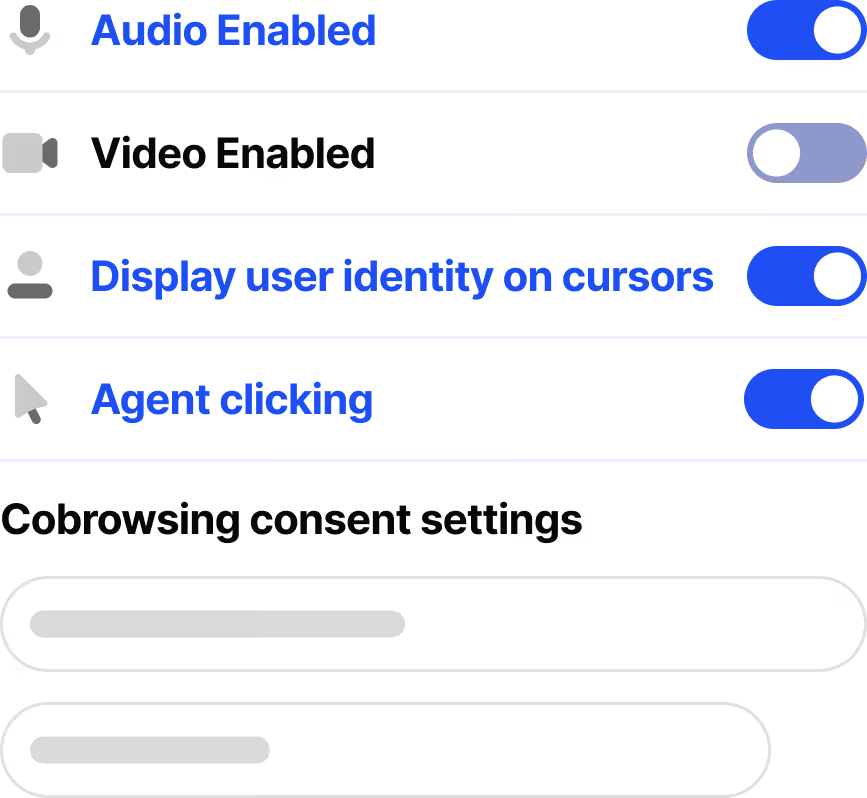
Customizable privacy controls
Mask sensitive fields, restrict which pages are recorded, and control agent permissions. Fullview is SOC 2 and GDPR compliant with data hosted on AWS (EU or US).
Replay first, cobrowse when needed
Watch the session replay to understand the issue. If the customer needs live help, jump into a cobrowsing session from the same platform. No stitching together separate tools.


Integrate with
existing support tools
Compliant & Secure


"Fullview has allowed us to achieve faster resolution of customer issues and questions, ultimately resulting in a higher level of customer satisfaction. Fullview's native integration with our ticketing system also made it easy to incorporate into our daily processes, contributing to more tickets being resolved on the first interaction and shorter time to resolution."
"Fullview has allowed us to achieve faster resolution of customer issues and questions, ultimately resulting in a higher level of customer satisfaction. Fullview's native integration with our ticketing system also made it easy to incorporate into our daily processes, contributing to more tickets being resolved on the first interaction and shorter time to resolution."
Satisfaction

"Fullview has helped to expand our customer support needs. When users struggle with certain interfaces, we can now guide them directly on their screen—significantly reducing average handling time for these types of requests.”

“It’s the single highest ROI discovery tool we use”


Cobrowsing & Session Replay FAQ
What is cobrowsing?
Cobrowsing (collaborative browsing) lets a support agent view and interact with a customer's browser session in real time. With Fullview, agents start a cobrowsing session in one click directly from their helpdesk. The customer doesn't need to download anything or share a meeting link.
How do Fullview's session replays work?
Fullview automatically records user sessions in your web application. When a customer files a support ticket, agents can watch back the relevant session to see exactly what the customer did, including clicks, scrolls, navigation, and console errors. Replays are linked to customer profiles and helpdesk tickets.
How is Fullview different from session replay tools like Hotjar or FullStory?
Fullview is built specifically for customer support workflows. Session replays are linked directly to helpdesk tickets and customer conversations, and agents can escalate from replay to live cobrowsing when needed. Analytics-focused tools like Hotjar and FullStory are designed for product and UX teams and don't include cobrowsing or helpdesk integrations.
How is Fullview different from other cobrowsing tools?
Fullview is the only platform that combines cobrowsing and session replays in a single tool designed for support teams. Most cobrowsing competitors offer cobrowsing only, require complex SDK setups, or are built for sales rather than support. Fullview also includes real-time console data during sessions for technical troubleshooting.
Which helpdesks does Fullview integrate with?
Fullview integrates with Zendesk, Intercom, Salesforce, and HubSpot. Agents can start cobrowsing sessions and view session replays directly from their helpdesk ticket sidebar.
Is Fullview secure?
Yes. Fullview is SOC 2 and GDPR compliant. Data is encrypted in transit and at rest, hosted on AWS with EU and US data center options. Sensitive fields can be masked, and you control which pages are recorded and what agents can access.
How hard is it to set up Fullview?
You add a lightweight script to your web application. Setup typically takes less than a day. No heavy SDK integration required. Once installed, session replays start recording automatically and cobrowsing is available from your helpdesk.
Can cobrowsing and session replays work together?
Yes, and this is one of the main reasons support teams choose Fullview. Agents can watch a session replay to understand what happened, then start a live cobrowsing session with the same customer if they need to resolve the issue in real time. Both tools share the same platform, the same customer profiles, and the same helpdesk integrations.