

Supercharge any AI with eyes on every session
Fullview captures everything your users do - clicks, page visits to console and network errors, then serves it to your existing AI over MCP. Support bots resolve, coding agents reproduce, analytics agents explain faster, all working from the full user activity.
- Clicks, pages and full user journeys, captured automatically
- Rage clicks and UX frustration signals, flagged in context
- Console and network errors tied to the exact session



Every signal from every session
Fullview records what users actually do in your SaaS app, automatically, with no tagging. It's all tied to a replayable session and exposed to your existing internal AI through MCP.
Clicks & interactions
Every click, tap, input and scroll, in the exact order they happened.
Pages & user journeys
The full path a user took through your product, page by page.
Rage & dead clicks
Frustration signals that pinpoint exactly where your UX breaks down.
Console errors
JavaScript errors captured with their stack, at the moment they fired.
Network errors
Failed requests, timeouts and status codes: the technical why.
Replayable session
All of it stitched to a full session replay your team can watch back.
One data source, every AI resolves faster
Any AI is only as good as what it can see. Fullview MCP hands it the same signals a senior engineer would dig for, so whether it's answering a ticket, fixing a bug or explaining a drop-off, it stops guessing and starts resolving.
- AI support agents
Resolve tickets in one reply
Your AI agent pulls the customer's real session, every click, page and error, then answers with facts instead of "can you send a screenshot?"
 AI coding agents
Reproduce bugs without the guesswork
Cursor and Claude Code replay the exact steps, errors and failed requests that led to the issue.
 Support & engineering
Bug reports that write themselves
Ask Claude or ChatGPT what happened and get a complete, reproducible report in seconds.
 AI analytics agents
Catch frustration before it escalates
Rage clicks, dead clicks and silent errors surface automatically, so AI flags the pain point before a stuck user churns.
Drop it into the AI tools you already run
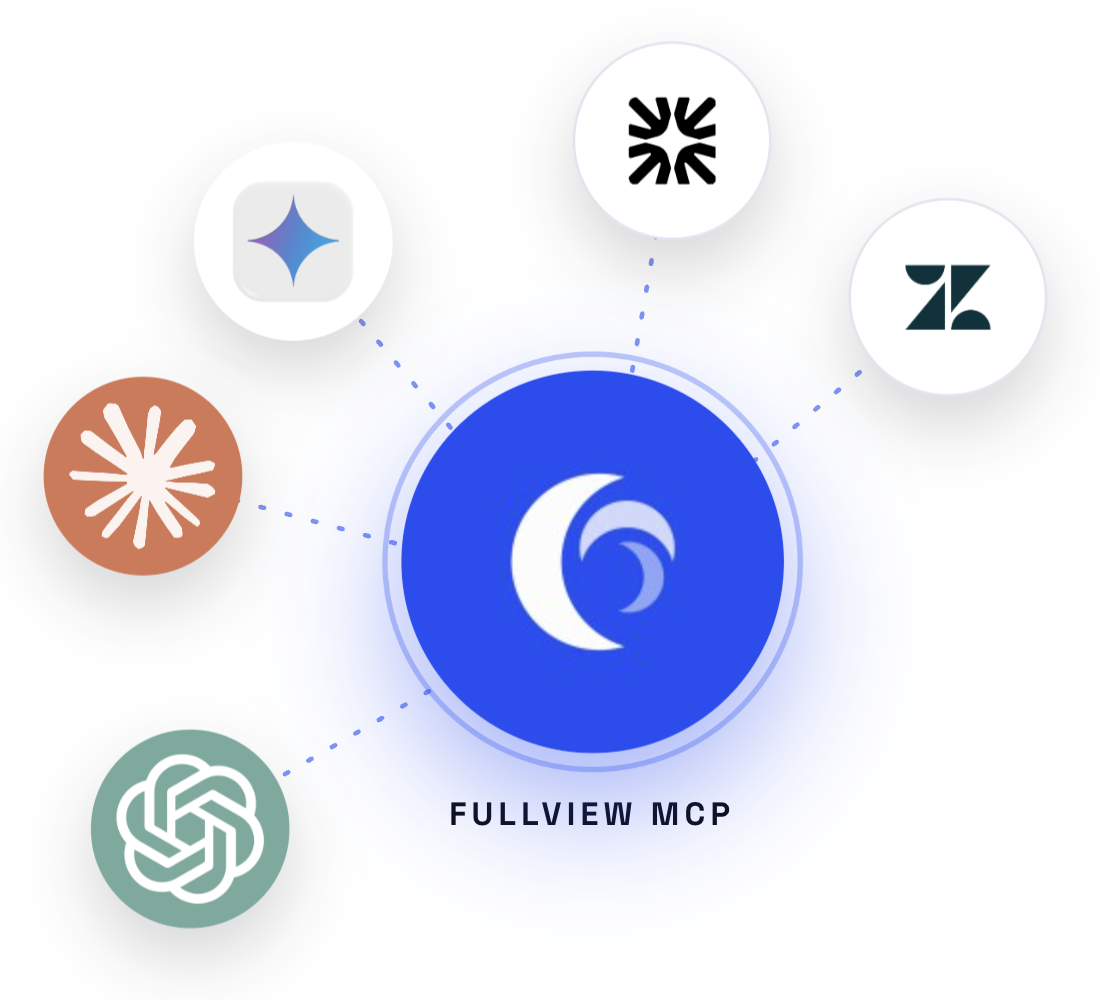
Fullview MCP is a standard Model Context Protocol server, so every AI in your stack, from support agents to coding assistants to analytics copilots, gets behavioral context the moment it needs it, with no custom pipeline to build.

Intercom Fin
AI support agent
Fin resolves technical conversations it used to escalate, reading the customer's clicks, errors and journey straight from the ticket.

Zendesk AI
AI agents & copilot
Zendesk's AI agents and copilot pull the full session behind a ticket, so answers land with the technical detail already attached.

Google Gemini
AI assistant
Gemini reproduces the exact issue from real behavioral data before it ever replies to your customer.
Or any MCP-compatible client
Point it at your Fullview endpoint and start querying.






35%
Faster resolution
lower average handling time
Zero
Repro steps needed
the session is the repro
1-click
MCP setup
connect once, query anywhere
FAQs
What is Fullview MCP?
An MCP server that exposes the user-activity data Fullview captures, from clicks and pages to frustration signals and console and network errors, to any AI tool that speaks the Model Context Protocol.
What data does it expose?
Everything from a session: interactions, navigation, rage and dead clicks, JavaScript console errors and network requests, all tied to a replayable session.
Which AI agents and tools can connect?
AI support agents like Intercom Fin and Zendesk AI, plus any MCP-compatible client such as Claude, Claude Code, ChatGPT, Cursor and Gemini. Point it at your Fullview MCP endpoint and it can start querying.
Who is it for?
AI support agents resolving tickets, AI coding agents reproducing bugs, and AI analytics agents explaining what users actually did, plus the support and engineering teams working alongside them.
How is my data handled?
Fullview is SOC 2 compliant and GDPR-ready, hosted on AWS. MCP access respects the same permissions and privacy controls as the rest of the platform.